
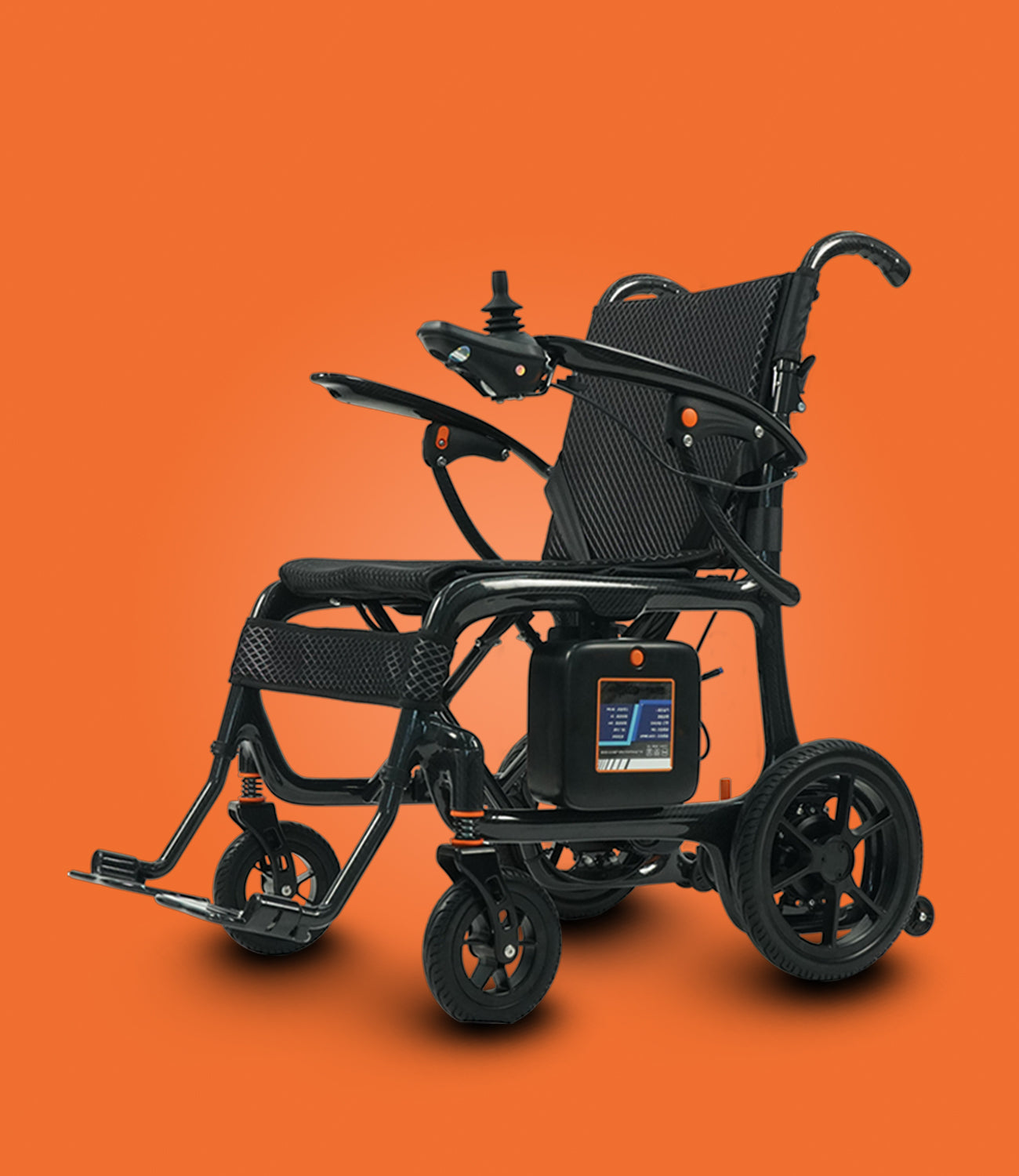
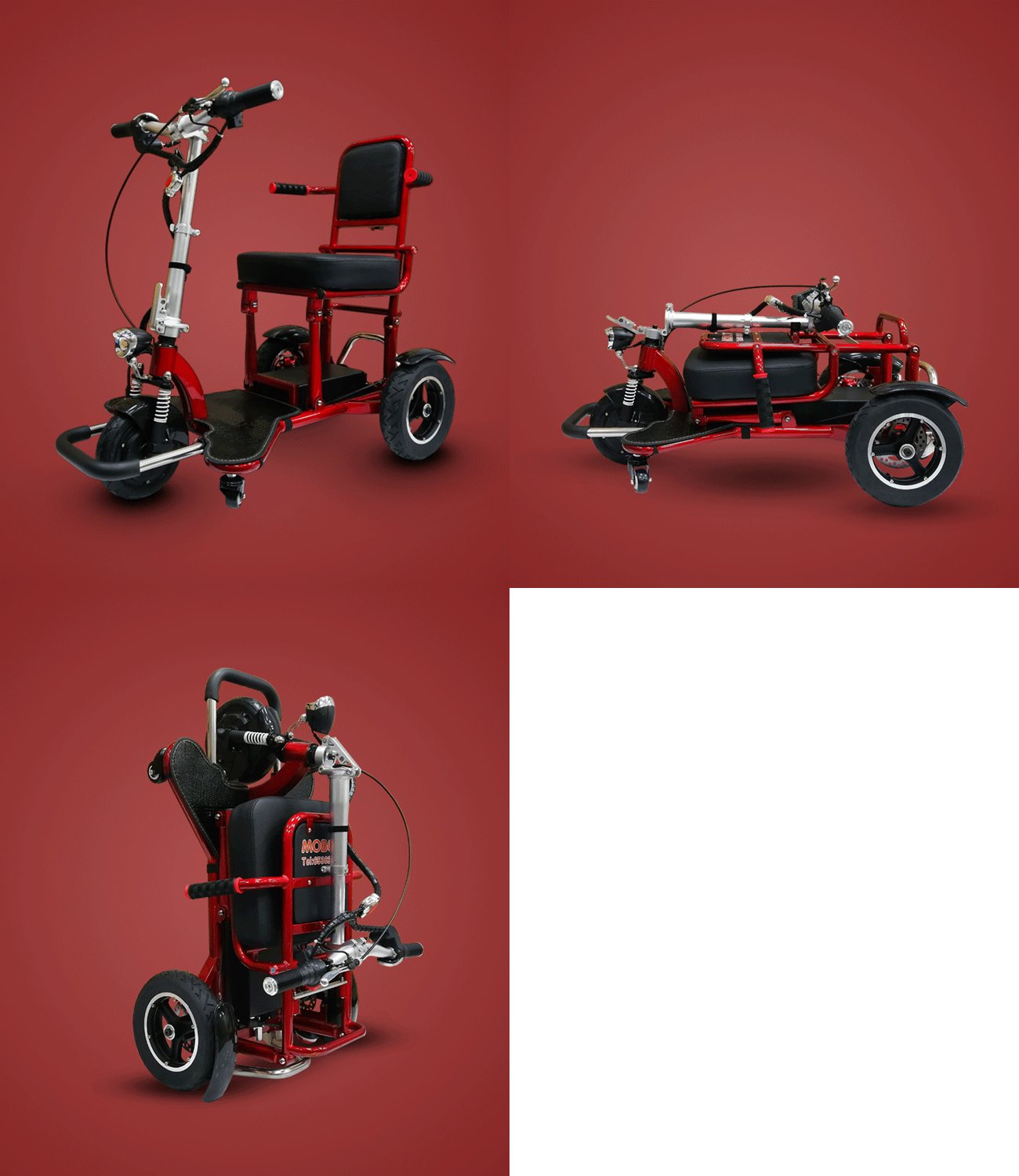
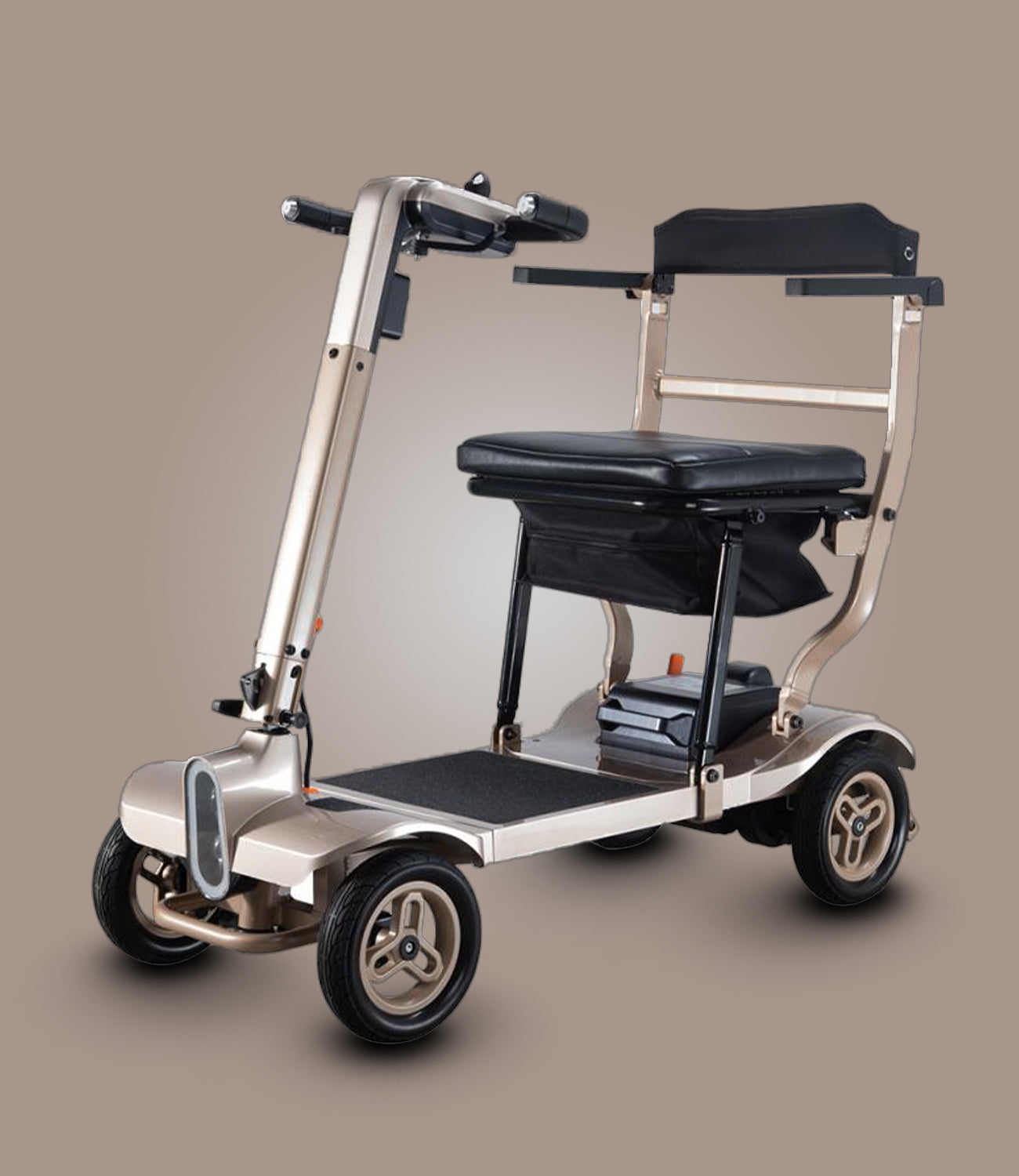
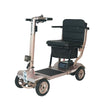
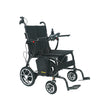
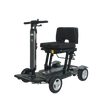
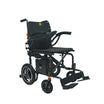

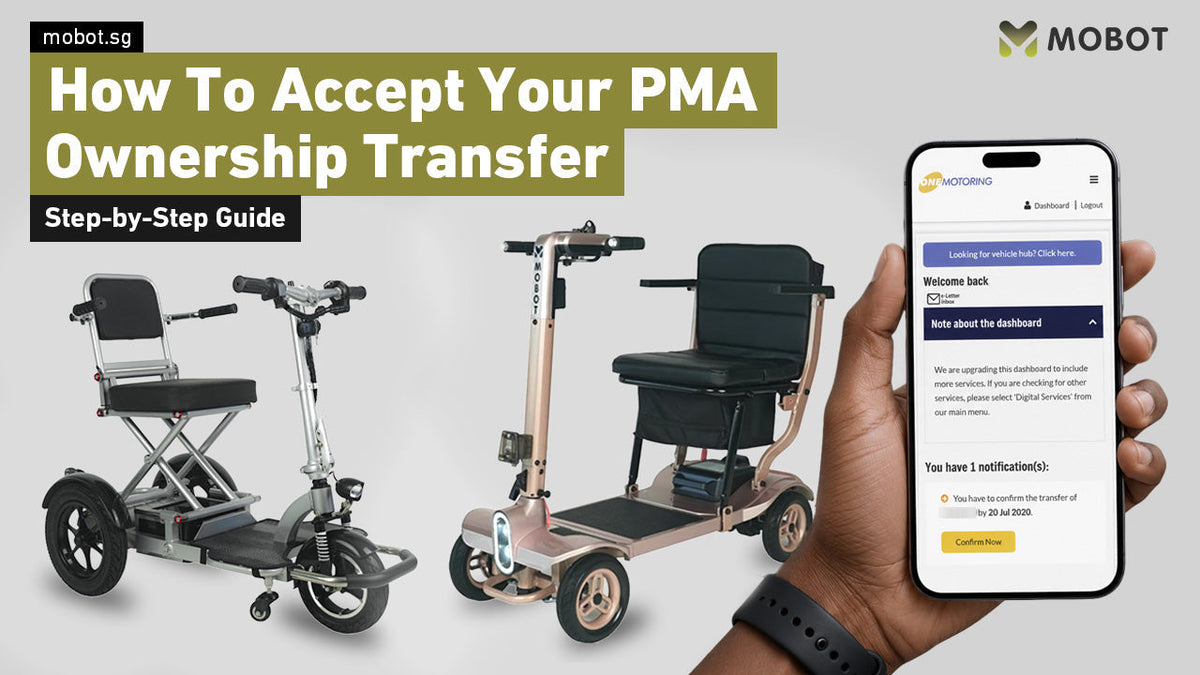
Purchased a Mobility Scooter from MOBOT?
After your purchase, MOBOT will initiate the transfer of ownership for your mobility scooter. These are the information required by MOBOT for a successful transfer of mobility scooter:
Retailers may require:
- NRIC
- Date of Birth
- Verify Your Eligibility (eg. age ≥ 70, medical certificate etc.)
📌Note: Only exempted users or those who have passed their AMS/CMN will be eligible for the transfer.
Once the transfer has been submitted, you will need to accept it through OneMotoring within 5 days.
This guide will show you How to Confirm the Transfer of Mobility Scooter step by step.
Before you start, make sure you have:
- Your Singpass login details
- The ownership transfer notification
- A mobile phone or computer with internet access
Step 1: Click the Button to Open the Transfer Page and Log In with Singpass
Go directly to the Confirm Transfer of Mobility Scooter page on OneMotoring.
You will be prompted to log in. Select Singpass and complete the login process to continue.

Step 2: Click "Confirm Transfer of Mobility Scooter"
After logging in, click "Confirm Transfer of Mobility Scooter" to proceed with the ownership transfer.

Step 3: Confirm the PMA Details
Tick "I have read and I agree to the terms and conditions." Then check that the PMA details displayed are correct.

Step 4: Verify Your Personal & PMA Details
Check that your personal and PMA details displayed on the page are correct.
Make sure all the information is accurate before proceeding with the ownership transfer.


Step 5: Confirm the Transfer
Tick the checkbox at the bottom left, then click "Confirm" to proceed.

Transfer fee: FREE
There is no transfer fee for the PMA ownership transfer.

Step 6: Screenshot or Download PDF
Screenshot the completion page and click "Save as PDF" at the bottom. Then click on "OK".

If the transfer is successful, you will receive an official email from LTA confirming that the "transfer was successful."
Important: Accept the Transfer Within 5 Days
Once the retailer has initiated the ownership transfer, please complete the acceptance within 5 days.
If the transfer expires, the retailer will need to initiate it again. Completing the transfer within the required period will help ensure that your PMA ownership registration is completed without unnecessary delays.
Step 7: Send Screenshot/PDF to MOBOT
Send us the screenshot or PDF via WhatsApp at 88262069 to complete the transfer process.
Need Help?
If you purchased your PMA from MOBOT and encounter any issues while accepting the ownership transfer, contact our customer care team for assistance.
We'll guide you through the process so you can complete your registration smoothly.

Leave a comment
This site is protected by hCaptcha and the hCaptcha Privacy Policy and Terms of Service apply.